.png&w=3840&q=75)
How to Review a Chess Game Before Turning on the Engine
Start with what you remember thinking, then investigate one decision. A short review can give your next lesson a clear question without analysing every move.
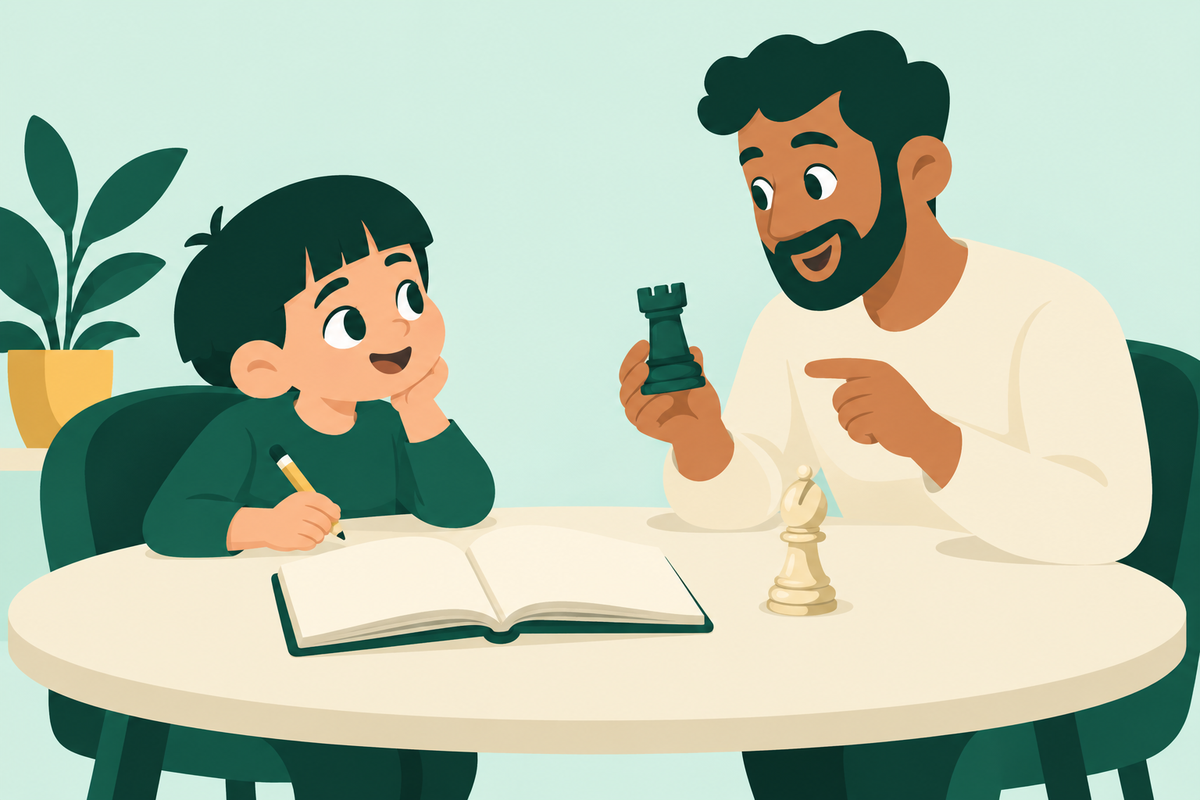
To review a chess game, begin with a completed game you can replay and one decision you remember finding difficult. Write down what you were trying to do before looking at computer suggestions. Then examine a possible reply and bring any unresolved question to your coach. You do not need to explain every move in one sitting.
Choose a game with something to discuss
A win can contain a confusing decision, and a loss can contain a good plan. Choose a game you remember, ideally one in which you had time to think. Save its move record or game link so you can return to the exact position.
If you have only part of the record, be clear about that. Do not invent missing moves to make a complete story. For over-the-board games, our notation guide can help you learn how to record future games under the event’s rules.
Capture your own explanation first
Before checking an engine, find one moment where you hesitated, felt surprised or chose between two ideas. Write a few plain sentences about what you actually remember. “I wanted to attack the rook” is more useful than pretending you calculated a long sequence you have just seen on a screen.
The game-annotation guide describes making your own notes before comparing them with computer analysis. For a beginner, those notes can be very small. You are collecting a question to investigate, not writing a tournament book.
Use a short decision note
Position: Which move are you looking at, and whose turn is it?
Intention: What did you want your move to achieve?
Expected reply: What did you think your opponent would do?
Actual reply: What happened, and what surprised you?
Question: What would you like to understand?
An example question is: “I moved a piece to attack, but then lost my bishop. Was the bishop already undefended, or did my move remove its defender?” This is an invented review prompt, not a student result. It gives a coach a concrete point to examine.
Try one alternative on a separate board
Return to the position before your decision. Choose another legal move and look for the opponent’s reply. Check for a threat to your king and for pieces that can be captured. If the continuation becomes confusing, stop at that position and save it rather than guessing that your idea wins.
Keep this variation separate from the moves actually played. A parent can help replay the record or write the child’s explanation, even without deciding which move is strongest. The piece-safety checklist offers a useful starting question.
Use the engine to check a question
Once you have an idea to test, computer analysis can help check it. If a suggested move makes no sense to you, save the position for the coach. Copying a long line without understanding the opponent’s choices does not answer your original question.
If you use the web analysis board, the current analysis settings guide explains how to hide the evaluation bar, engine lines, suggestion arrows and move feedback while doing your own pass. You can also use a physical board.
Finish with one next step
Keep one useful observation and one question for the next lesson. For example, ask the coach to help distinguish a missed attack from a misunderstood rule. Decide on practice after that discussion, rather than assigning yourself every topic that appeared in the game.
This process is for completed games. Fair-play rules prohibit outside help and engine analysis during games against other users. Project64 reviews games in class; book a free online demo to discuss how coaching could help your child understand their own decisions.