.png&w=3840&q=75)
Can a Six-Year-Old Learn Chess Online? A Parent’s Guide
A useful first chess lesson starts with curiosity. Here is how to recognise readiness, choose a gentle introduction, and support a young beginner.
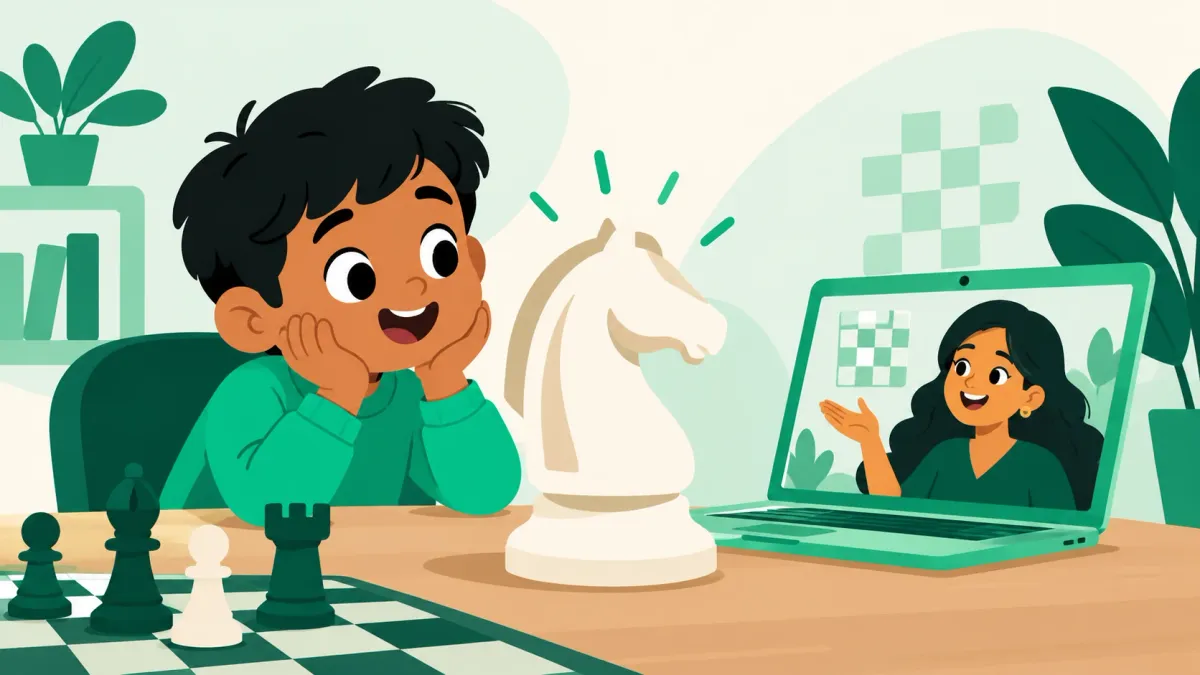
Your child spots a horse-shaped chess piece and wants to know what it does. You explain that it is called a knight. A moment later, they are moving it around the board and inventing a story. Is that enough interest to try a lesson?
Six can be a sensible age to begin chess, but the right starting point depends on the child. Curiosity, willingness to try, and comfort with a coach are more useful things to notice than how many rules your child already knows. They do not need to arrive knowing how to play a complete game.
Look for interest rather than a readiness test
There is no need to quiz your child before enquiring about a class. Instead, notice what happens during a small activity. Do they enjoy finding a matching piece? Will they try a move after you show it? Can they take turns with a little encouragement? These observations can help you describe your child to a coach.
A child who is shy on a video call may still enjoy chess once the interaction feels familiar. Equally, a child who likes the pieces may not yet enjoy a structured online lesson. A short introductory experience gives you more useful information than comparing them with another child.
What a first lesson can look like
For a complete beginner, the full board can feel crowded. A gentle introduction might use just one piece: name a rook, show its straight-line movement, and invite the child to try. The coach can then turn that idea into a small challenge, such as finding a route to a particular square.
At this stage, look for opportunities to participate. Your child should have chances to point, move, ask, and explain. Learning through small chess activities is an established teaching approach; FIDE’s education work includes chess-like minigames as part of teacher training. Read about FIDE’s education approach.
That does not mean every lesson must feel like a game show. A clear explanation, time to think, and a friendly response to mistakes can be enough to make an unfamiliar activity approachable.
Make the online setup comfortable
Choose a quiet spot and a screen on which the board is easy to see. Check the sound before the lesson. If using a mouse is new, let your child practise clicking and dragging something beforehand. Difficulty with the device should not be mistaken for difficulty with chess.
Stay nearby for the first session, especially to help with the call. Try to let your child answer for themselves. If you supply every move, the coach has less opportunity to understand what your child finds clear or confusing.
Notice small signs of progress
Early progress may be recognising a rook without a prompt, remembering to wait for a turn, or asking why a move is not allowed. Winning a game is only one possible outcome, and it is rarely the most useful way to judge the first few lessons.
After class, ask, “Which piece did you enjoy using?” or “Can you show me something you tried?” These questions make room for an answer beyond whether the lesson was easy or difficult. If your child is tired, leave the conversation for later.
What if they are not ready yet?
It is reasonable to pause, change the format, or try again later. Tell the coach whether the difficulty seemed to be the screen, the pace, the language, or the activity itself. One unsettled session does not tell the whole story.
Project64 welcomes complete beginners in its ages 6–15 beginner batch, with teaching available in English and Tamil. Book a free online demo with Project64 to see how your child responds. You can also read how to prepare for the first demo before joining.